Cisco Live US 2020: To CLUS or not to CLUS?
Cisco Live US 2020
Update March 16, 2020: The in-person event is “relaunched” as an online event.
Here is a copy of the information email I just received:
Networking Perspectives | Jerome Tissieres, CCDE #20260037

Here is a copy of the information email I just received:
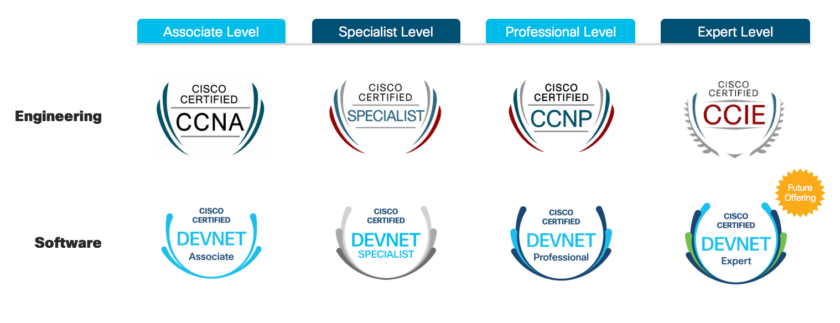
Cisco certification updates were announced on February 24th, 2019. The day after Cisco Live US 2019. Significant changes were made.
A summary of the major updates and their key points is provided below.
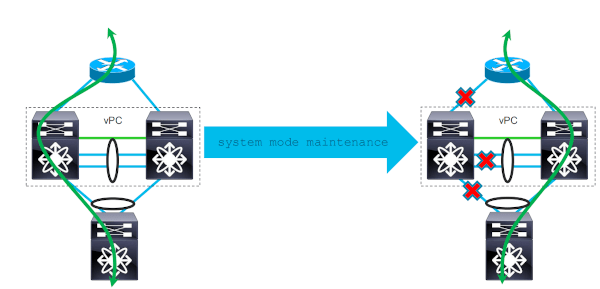
If you operate a data-center network with Cisco Nexus, you’ve probably already faced the problem of how to perform a maintenance on one of the two switches of a vPC pair. With, if possible, minimum impact and risks for the production network.
Cisco NX-OS contains a feature called “Graceful Insertion and Removal” or GIR to help you with that. Here is how it works.

As the end of the year approaches, it is time to make a review of the past year and see what I would like to do, what I must do, and what I can improve in 2020. In brief, here’s my last year review and resolutions for 2020.
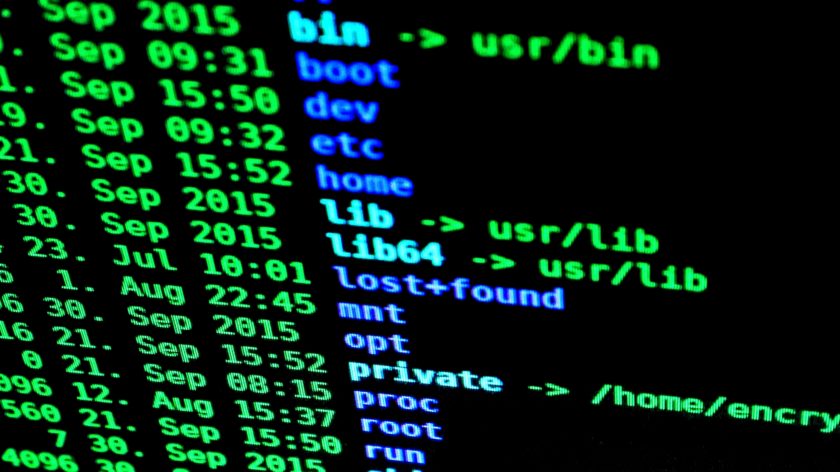
Here is the second post of the series on basic network troubleshooting and tools under RHEL / CentOS.
In this post, I will talk about the Linux mtr command.

I have the honor of having my blog selected as a finalist in the Most Educational category of the 2019 IT Blog Awards, hosted by Cisco.
We have all heard, at one time or another, a system administrator blaming the network. Then, it is up to the network engineers to prove that the network is not in cause. To do this, a minimum of network troubleshooting skills on Linux systems could be required. For the first post in the series: Linux Networking with ip and nmcli commands
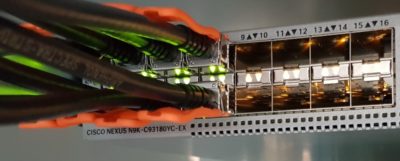
As you can see here, I have been using Cisco Nexus NX-OS for many years. And even more intensively since a few months, as I work for a data center now.
During all this time, I accumulated a nice collection of NX-OS tips and tricks. Here it is. I hope this can help you to improve your daily work.
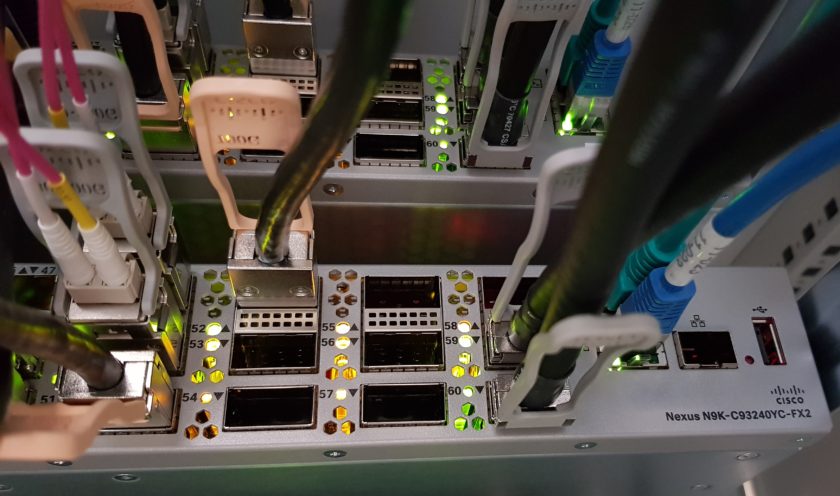
When people ask me “what a network engineer should do to start in network automation?”, my first answer is: start with small things. Try to automate basic and repetitive tasks you do every day. Go after the low-hanging fruits first. Then, step by step, you can do more and more complex things. This is how I learn the best.
In the same vein, I want to share with you my recent experience of automating a very basic and repetitive task: shutdown thousands of unused network access ports.
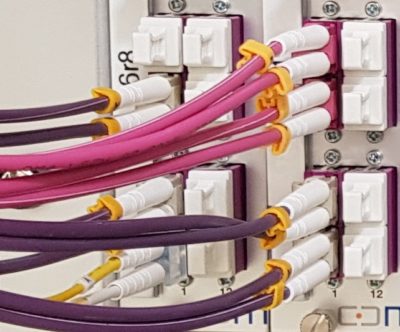
At the time of the 400Gb Ethernet interfaces introduction, here is a summary of the different form factors, transceivers, and modules available for 100Gb Ethernet on Cisco devices.
And, as you will see below, there are many different types of 100Gb Ethernet transceivers. Because each type has its own functional mode.
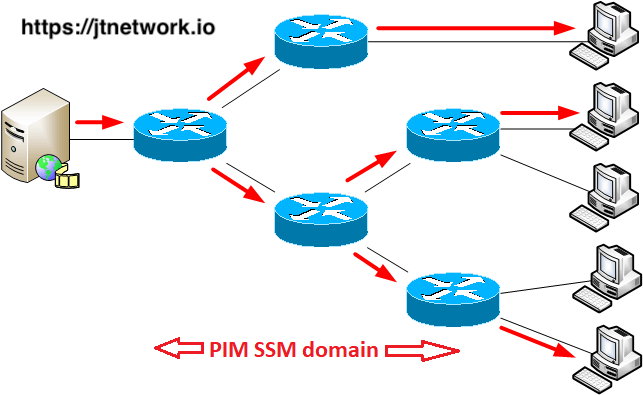
After giving a two-days training to a customer on multicast technology, I take the opportunity to have my lab and the configurations ready to share with you a suite of five different multicast configuration examples. And, how to make some tests and troubleshooting. These examples are based on the labs I used to practice the CCIE R&S practical exam. This lab is about Source-Specific Multicast (SSM).
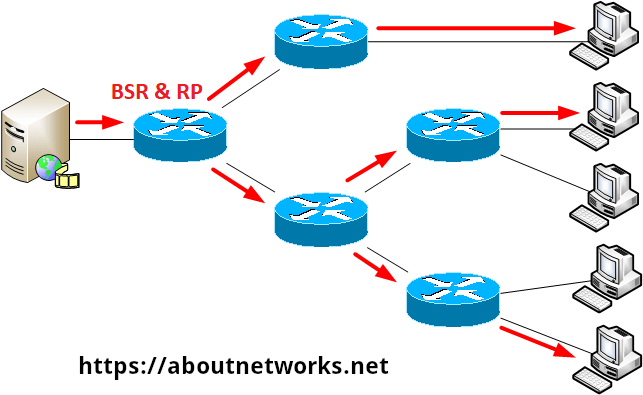
After giving a two-day training to a customer on multicast technology, I took the opportunity to have my lab and the configurations ready to share with you a suite of five different multicast configuration examples. And, how to make some tests and troubleshooting. These examples are based on the labs I used to practice the CCIE R&S practical exam. This post is about Any-Source Multicast (ASM).